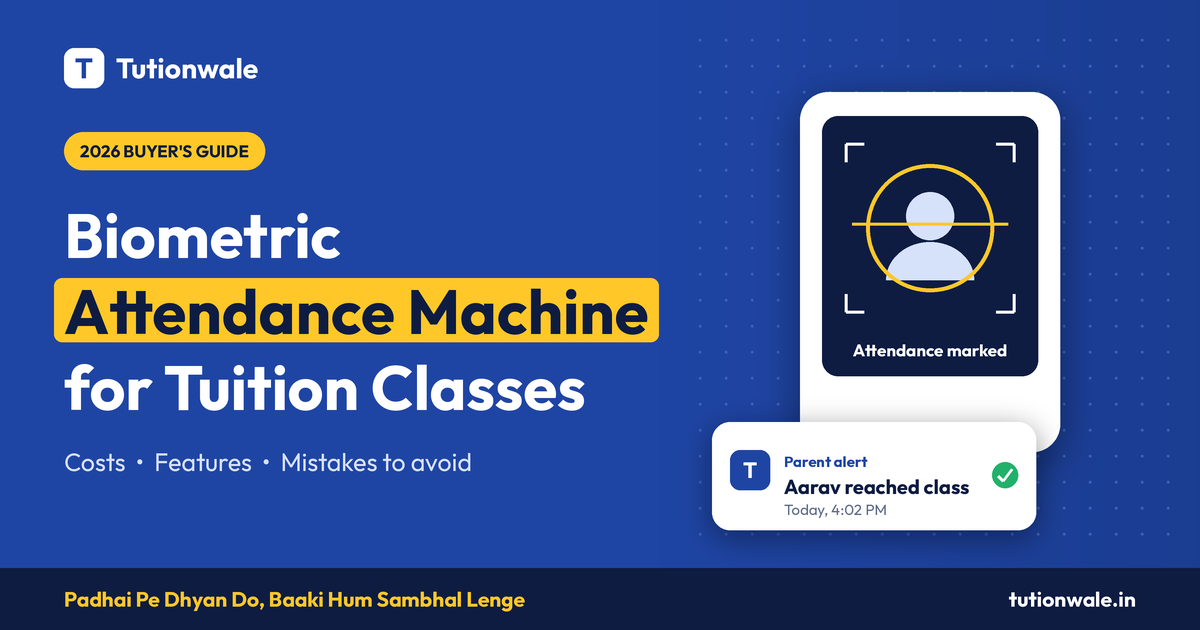
Why tuition centres are moving to biometric attendance
A biometric attendance machine saves a tuition centre 10–15 minutes of roll call per batch and removes proxy attendance. For a centre running six batches a day, that is over an hour of teaching time back every day.
Most coaching centres still take attendance on paper or in a register. That creates three problems:
Proxy attendance. One student answers for an absent friend, and parents never find out.
Lost time. Calling 40 names at the start of every class eats into teaching time.
No record parents trust. When a parent asks "was my child in class on Tuesday?", a paper register is slow to check and easy to dispute.
This guide covers which type of machine fits a tuition centre, what to check before you buy, what it really costs, and how to connect it to your centre management software so the data actually gets used.
Do you actually need a biometric machine?
Not every centre does. Buy one if two or more of these are true:
You have more than 50 students, or more than one batch running at the same time.
Parents regularly ask whether their child attended.
You suspect proxy attendance.
You pay teachers per class and need proof of their attendance too.
You have more than one branch and want one view of attendance across all of them.
If you run a single batch of 15 students from home, a mobile app where the teacher marks attendance is cheaper and good enough. Do not buy hardware you do not need.
Fingerprint, face recognition, RFID or QR: which one fits?
For most tuition centres, a face recognition machine is the best fit: it is contact-free, fast, and works well for children whose fingerprints are still developing.
Type | Approx. price (₹) | Speed per student | Stops proxy? | Best for | Main drawback |
|---|---|---|---|---|---|
Face recognition | 8,000 – 25,000 | Under 1 second | Yes | Centres with 50+ students, kids of all ages | Needs good lighting at the entry point |
Fingerprint | 3,000 – 8,000 | 1 – 2 seconds | Yes | Small to mid centres on a tight budget | Young children's prints often fail to scan; queues form |
RFID card | 2,500 – 6,000 | Under 1 second | No (cards can be shared) | Centres that already issue ID cards | Students swap or lose cards |
QR code (app) | Low or no hardware cost | 2 – 3 seconds | Partly | Small centres, online plus offline batches | Easy to fake with a screenshot unless the code changes often |
Prices are approximate and vary by brand and seller. Check current prices before you buy.
Our recommendation: choose face recognition if your budget allows. Choose fingerprint only if your students are mostly 12 years or older.
8 features to check before you buy
The single most important feature is how the machine gets data out. A machine that only stores attendance inside itself is a register with a screen.
Data export or sync. Look for Wi-Fi or LAN connectivity, a cloud option, or at least USB export to Excel. Ask the seller exactly how data leaves the device.
Software integration. Check whether it works with your centre management software, or offers an API or push feature that software can use.
User capacity. Pick a machine that holds at least 2× your current student count, so you do not replace it when you grow.
Recognition speed. Aim for under 1 second per face. At 3 seconds, a batch of 60 students creates a 3-minute queue at the door.
Battery backup. Power cuts are common. A built-in battery of 2+ hours stops you losing a whole morning's records.
Mask and spectacle support. Many students wear glasses. Test this in the shop or demo.
Local service and warranty. Prefer brands with a service centre in your city and at least a 1-year warranty.
Data privacy settings. Biometric data is sensitive. Make sure you can delete a student's data when they leave, and tell parents what you store.
What it really costs
The machine is only one part of the cost; software, alerts and maintenance add up every year. Budget for the whole setup, not just the device.
Cost item | Approx. amount (₹) | One-time or yearly |
|---|---|---|
Face recognition machine | 8,000 – 25,000 | One-time |
Installation and student enrolment | 0 – 2,000 | One-time |
Cloud sync or vendor software licence | 0 – 5,000 | Yearly |
Centre management software with attendance and parent alerts | Varies by plan | Yearly or monthly |
SMS or WhatsApp alerts to parents | Depends on volume | Monthly |
Annual maintenance (after warranty) | 1,000 – 3,000 | Yearly |
All figures are rough estimates for planning. Get written quotes from at least two sellers.
6 mistakes tuition centres make
Buying on price alone. A ₹3,000 machine with no data export means someone still types attendance into Excel every evening.
Choosing fingerprint for young kids. Children under 10 often fail fingerprint scans, which creates queues and frustration.
Bad placement. Face machines facing a bright window or a dark corridor misread faces. Mount at chest-to-face height with steady light.
Skipping parent alerts. Attendance data only builds trust when parents see it. An instant "your child has arrived" message is what parents value most.
No consent from parents. Collect written consent before enrolling a child's face or fingerprint, and explain how the data is stored and deleted.
Not enrolling teachers. The same machine can track staff attendance and class timings. Most centres forget to use it for this.
Connecting your machine to Tutionwale
A biometric machine records who walked in. Tutionwale turns that record into action: parent alerts, fee follow-ups and attendance reports for every batch.
How it works:
The student scans their face or finger at the entrance.
The machine sends the attendance record to Tutionwale.
Tutionwale matches the record to the student's batch and timetable.
Parents get an instant arrival message. SMS/WhatsApp
You see daily and monthly attendance per student, batch and branch in one dashboard.
Supported devices: ZKTeco K40 PRO
Already own a machine? Book a free demo and we will check whether it can connect before you spend anything.
Frequently asked questions
Which biometric machine is best for a coaching centre? A face recognition machine with Wi-Fi or cloud sync and battery backup suits most coaching centres. It is fast, contact-free and works for students of all ages.
How much does a biometric attendance machine cost in India? Fingerprint machines start at roughly ₹3,000. Face recognition machines range from roughly ₹8,000 to ₹25,000, depending on capacity and features.
Is fingerprint attendance reliable for young children? Often not. Children's fingerprints are small and still developing, so scans fail more often. Face recognition is more reliable for students under 12.
Can parents get a message when their child reaches the class? Yes, if the machine is connected to software that sends alerts. The machine alone cannot message parents.
Is it legal to collect students' biometric data? Biometric data is personal data under India's Digital Personal Data Protection Act, 2023, and children's data needs a parent's consent. Take written consent, store only what you need, and delete it when a student leaves. Speak to a legal adviser for your specific case.
Can one machine handle multiple batches? Yes. The machine records the time of each scan, and your software maps it to the right batch.